
Why Specialized AI Design Tools Are Often More Useful
That is where specialized tools become more valuable. They shorten the path between idea and result. Instead of starting with generic prompts and then adjusting repeatedly, users can work inside a more guided creative structure.
AI Tattoo Generator: A Simpler Way to Explore Tattoo Concepts
AI Tattoo Generator stands out because it is designed to be more direct than a normal AI image workflow. Users do not need to write long, technical prompts just to get a useful design direction. Instead, the tool is better suited to a visual process.
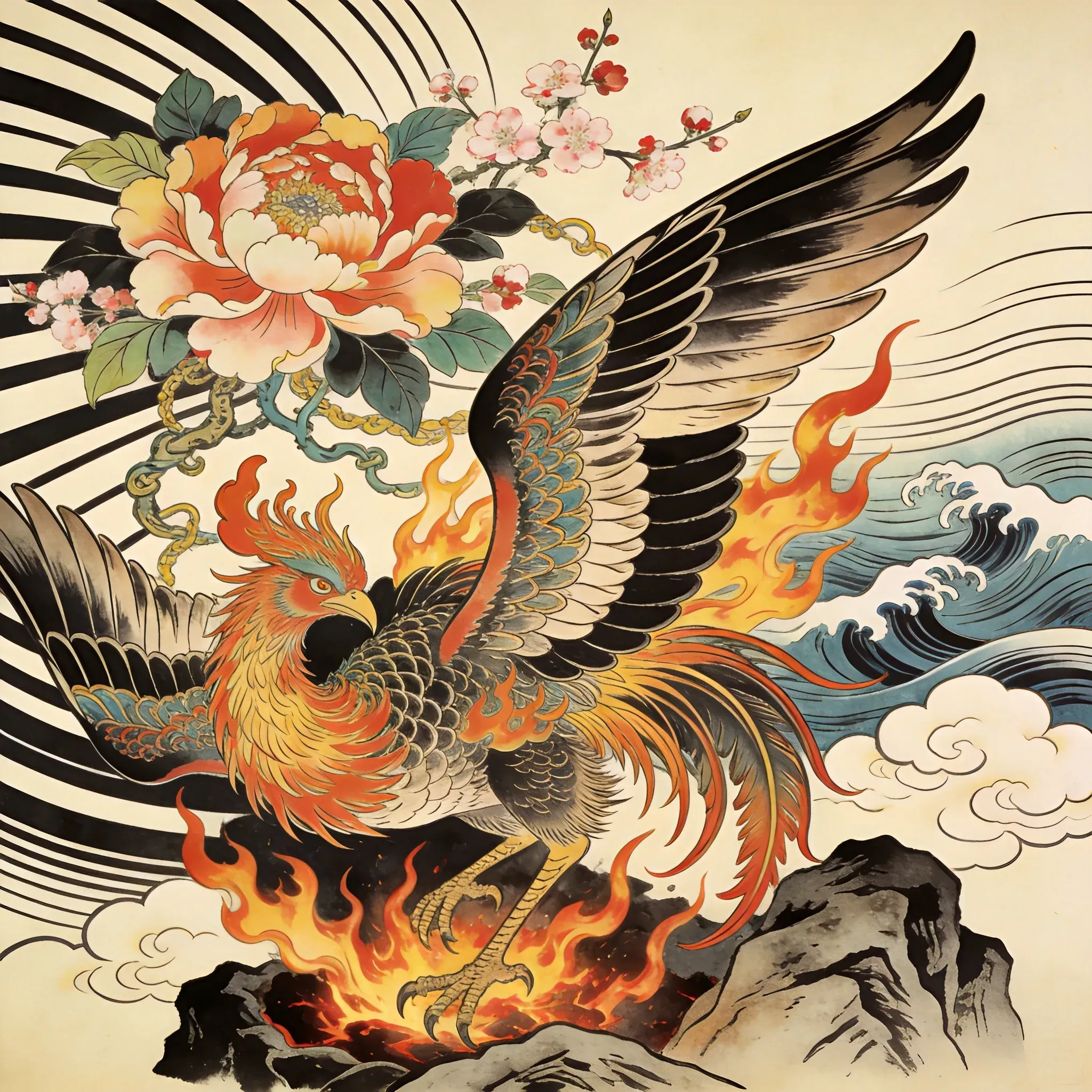
A user can begin with a reference image, select a tattoo style, and then type the shape or motif they want to generate. That could be something simple like a flower, dagger, skull, snake, butterfly, crest, or abstract symbol. Because the workflow is more guided, it feels closer to what-you-see-is-what-you-get than to traditional prompt experimentation.
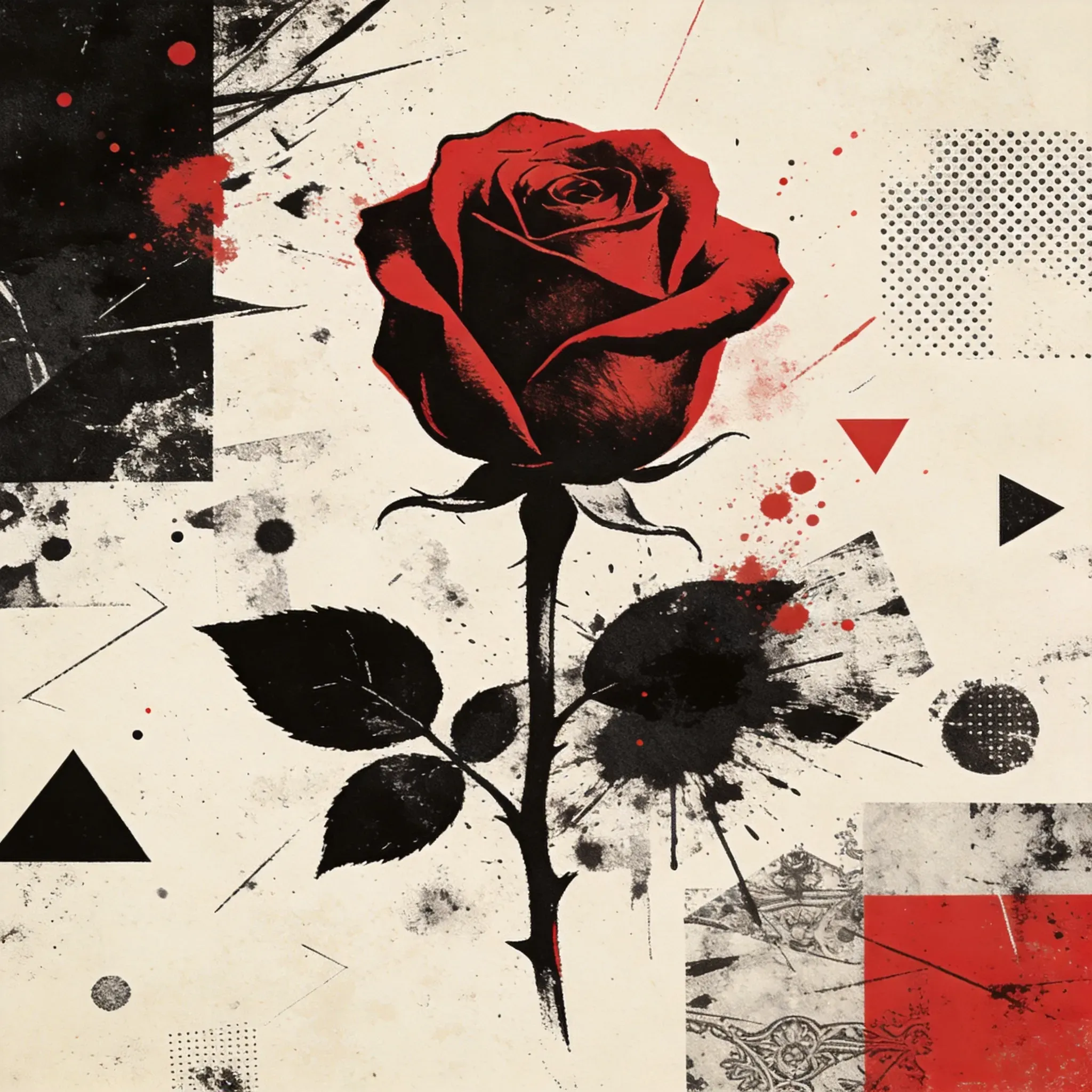
This matters because tattoo design is often about precision and intention. People usually know the kind of symbol, mood, or composition they want, but they do not always know how to describe it in AI language. Vidoly reduces that gap by optimizing the prompt process behind the scenes. The user focuses on the design direction, and the tool handles more of the prompt logic.
That makes it useful for:
- tattoo inspiration
- symbol exploration
- custom motif ideas
- reference gathering before a final design
- creative experimentation without drawing from scratch
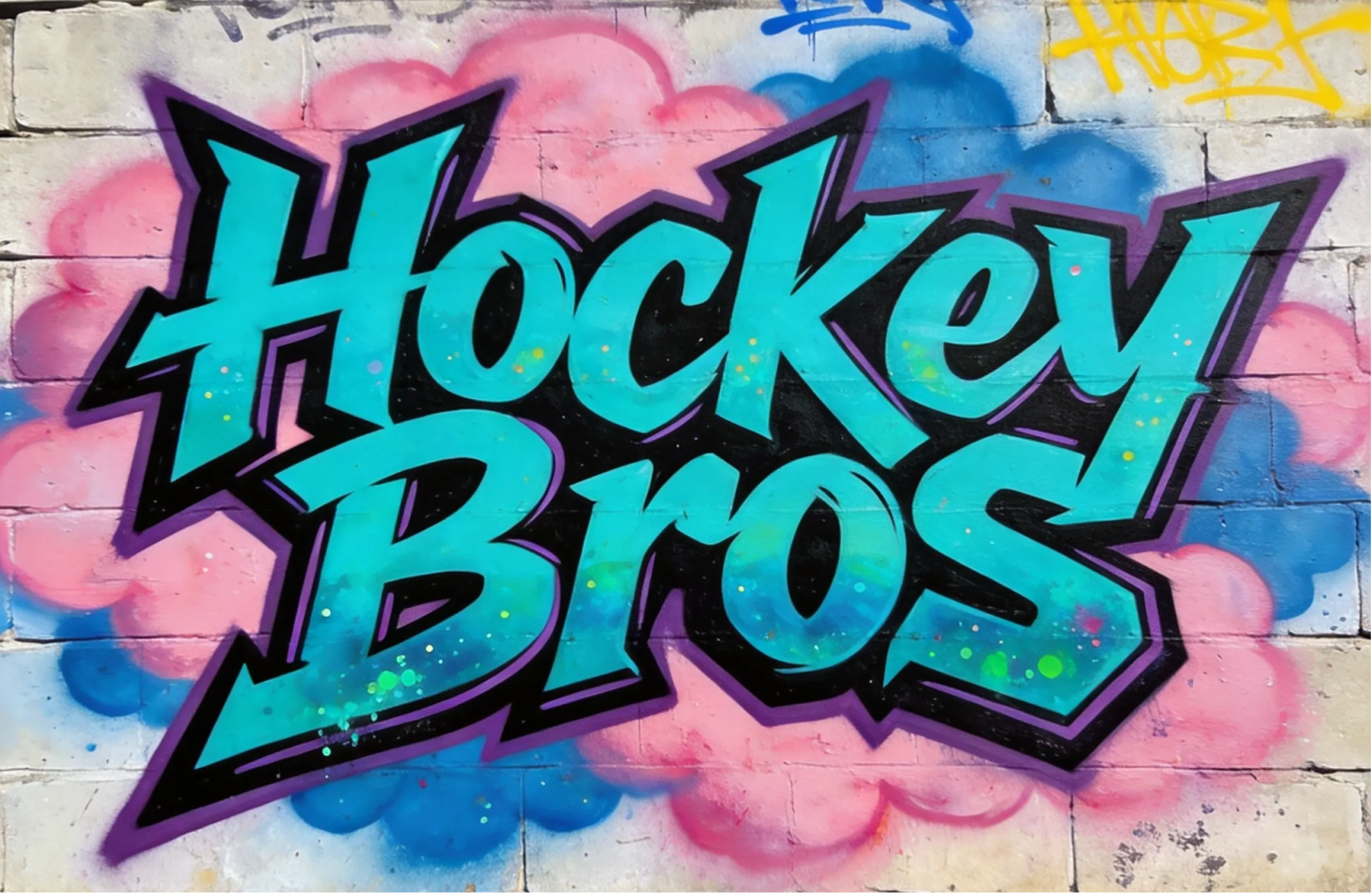
Graffiti Art Generator: Better for Text-Driven Visual Impact
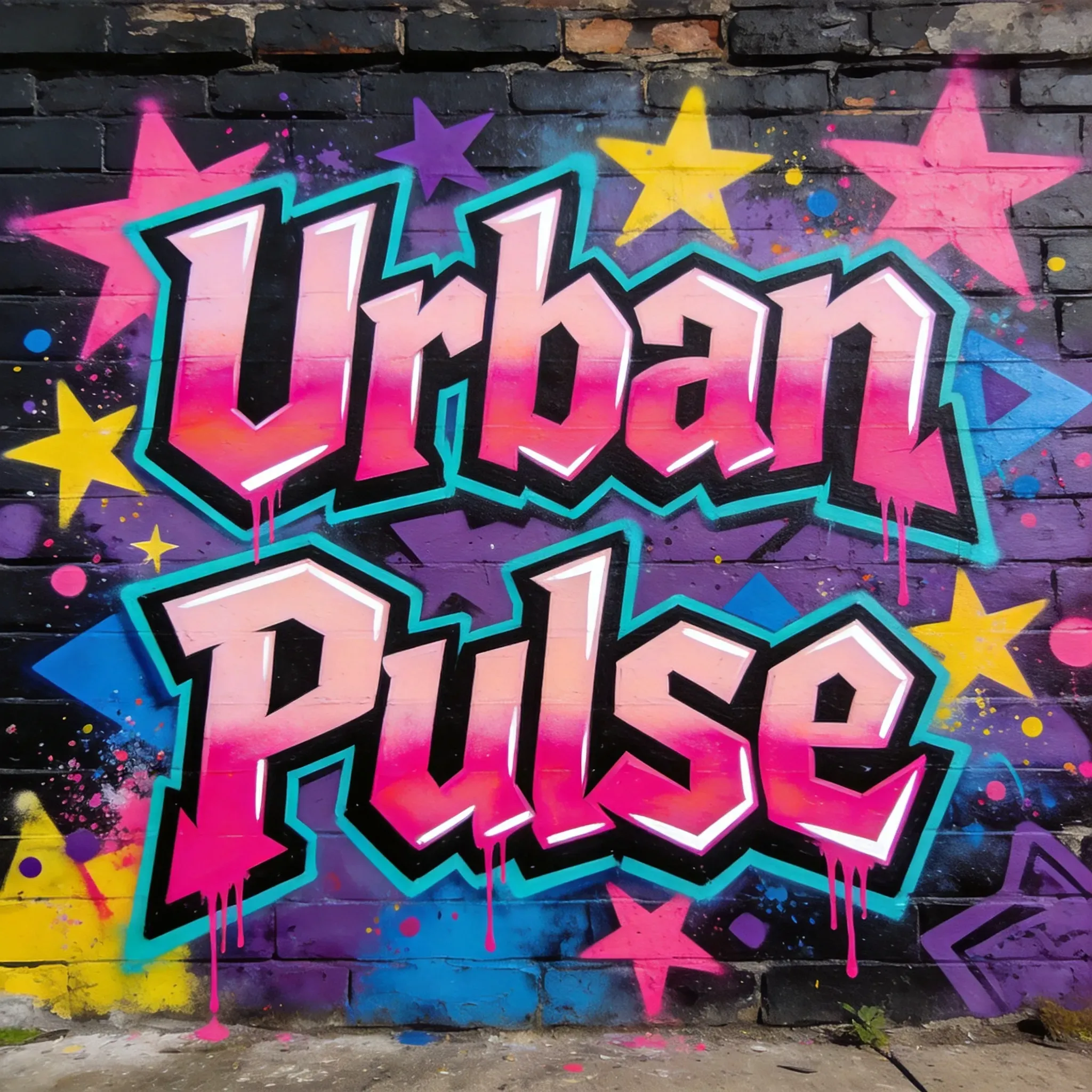
Graffiti Art Generator is useful for a different reason. It works well when the main creative goal is expressive text art rather than symbolic illustration. Graffiti-style design is often about energy, attitude, and strong visual character, which makes it useful for posters, social graphics, creator branding, gamer tags, and title treatments.
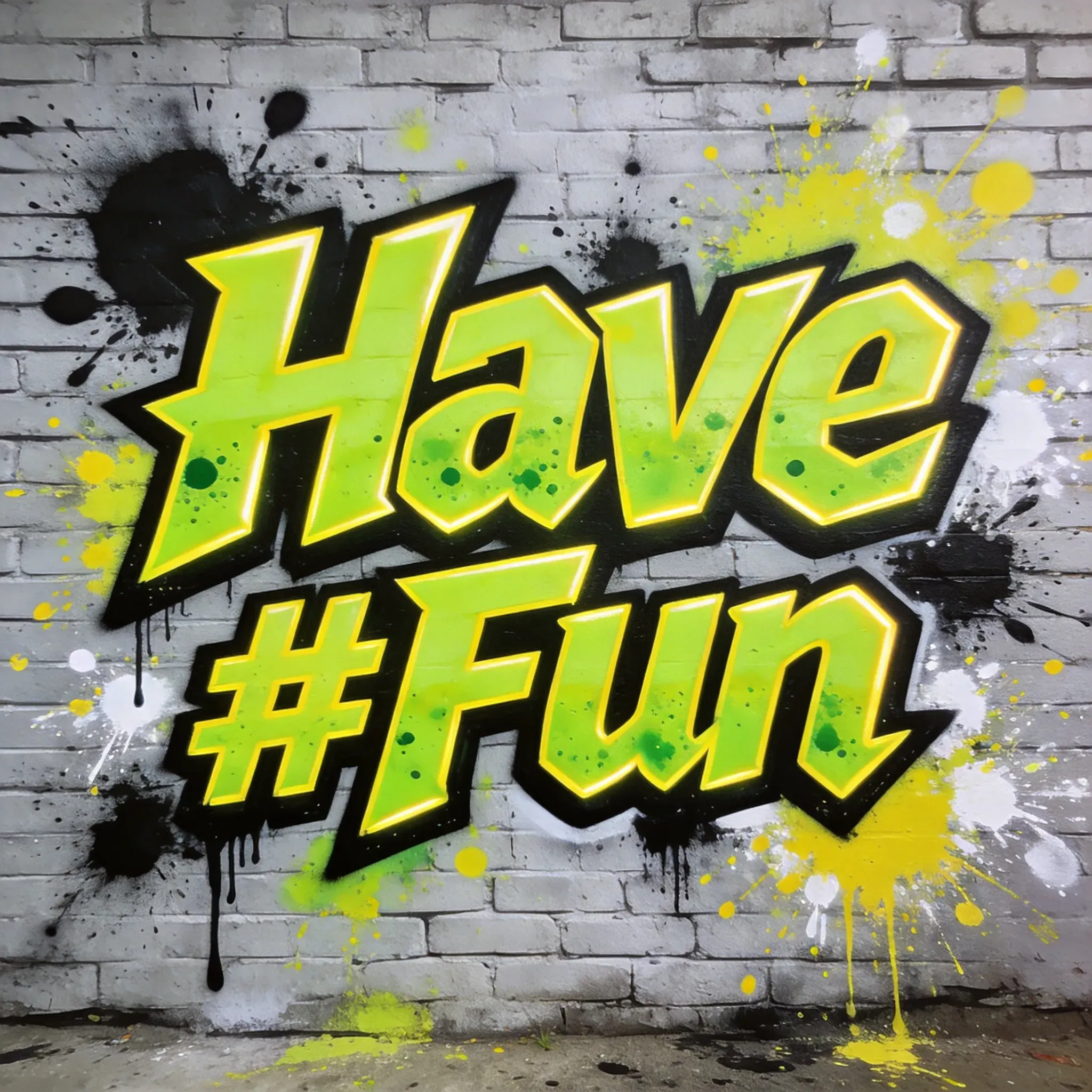
Instead of trying to manually design dramatic lettering from scratch, users can take a phrase, name, slogan, or visual idea and turn it into something much more stylized. That makes the tool helpful for anyone who wants louder, more eye-catching graphic output without needing advanced typography or illustration skills.
It is especially relevant for:
- social media title graphics
- poster text concepts
- branding experiments
- event visuals
- urban-style digital art projects
For many users, the value is speed. Graffiti lettering can look great, but it is difficult to build well by hand unless you already have a strong design background. This tool lowers that barrier and gives users a faster way to test visual directions.
What Makes These Tools Worth Recommending
There are two reasons these tools are worth recommending together. First, they solve two very different but very common design use cases: symbolic design and expressive text art. Second, both of them simplify the user experience in a way that many general AI art tools still do not.
With the tattoo workflow, the biggest advantage is that users can work from references, pick a style, and enter a shape without worrying too much about prompt wording. With the graffiti workflow, the advantage is that users can quickly turn plain words into something more visual and dynamic. In both cases, the user gets a more guided path to a useful result.
Who Might Use Them
These tools are not limited to one type of audience. They can be useful for:
- designers collecting fast concept directions
- creators making social or branding visuals
- users looking for tattoo inspiration
- people who want stylized text art for digital content
- beginners who want results without learning complex prompt writing
More To Know
If you are looking for more focused AI design tools rather than a broad all-purpose generator, these two are good places to start. The AI Tattoo Generator is a practical option for people who want to explore tattoo concepts through reference images, style selection, and simple shape-based input. The Graffiti Art Generator is a better fit for people who want strong text-based visuals with more attitude and graphic impact.
Together, they show a more useful side of AI design: not just generating random art, but helping users move from idea to usable visual direction with less friction.